
Seed Audio 1.0 Prompt Guide: Voiceover, Dialogue, Sound Effects and Music in One Prompt
How to prompt Seed Audio 1.0 to create voiceover, multi-speaker dialogue, sound effects and music mixed into one file: scene briefs, voice descriptions, timestamps and @Audio references, with ready-to-use examples.
 Fuzion
Seed Audio 1.0 creates voiceover, multi-speaker dialogue, sound effects and music, already mixed into one file, from a text prompt. No separate recording sessions and no manual mixing. It's a great fit for audio dramas, podcasts, ads, video voiceovers, games and audiobooks. This guide explains how to write prompts that get the sound you want on Fuzion, with examples you can copy right away.
What Seed Audio 1.0 can do
Text only: describe the scene, characters, lines, effects and music, and the model generates all of it.
Reference audio: add up to 3 voice samples to define how characters sound.
Reference image: add one character image and the model picks a voice that fits their look and age.
Key specs:
Up to about 120 seconds per generation. On Fuzion you can choose auto, 15, 30, 60, 90 or 120 seconds (a target, not an exact cut).
Prompts up to 3,000 characters.
21 languages, including English, Thai, Chinese, Japanese, Korean, Vietnamese, Indonesian and Malay.
Timing control with timestamps.
Think "scene brief", not "text to read"
Seed Audio isn't plain text-to-speech. Write it like a brief for a sound team, and include only the layers you need:
Format: audio drama, ad, podcast, voiceover or game ambience
Place and atmosphere: a small room or a large hall, indoors or outdoors, rain or not, a crowd or not
Characters and voices: age, gender, timbre, accent, emotion, speaking pace
Lines: in quotation marks, one line per speaker
Sound effects: what happens, and when
Music: genre, instruments, mood, and how it changes
The ending: the last sound you want the listener to remember
Skip any layer you don't need. If you only want a narrator, leave out the music and effects.
Write the brief in the same language as the lines
If the dialogue is in English, write all the directions in English too. Mixing languages, such as Thai lines with English directions, is a common cause of wrong accents. If a piece uses several languages, state each speaker's language clearly.
Describe voices in concrete terms
Words like "a nice voice" or "a professional voice" are too vague. Describe what you actually hear:
Age and gender: a woman in her late twenties, an older man, a boy of about ten
Timbre: deep, bright, slightly husky, breathy
Accent and language: General American, British, a light Southern accent
Emotion and tone: warm, excited, weary, whispering
Pace: slow and clear, or fast and clipped
Don't stack long strings of adjectives: three or four clear words beat ten vague ones. And don't define a personality or accent by nationality alone; describe the sound you want directly.
Multi-speaker dialogue
Give each speaker their own line: describe the character the first time, then their words.
Keep delivery notes outside the quotation marks: whatever is inside the quotes is spoken.
Write lines the way people talk: short, natural sentences. Lines that read like written prose come out stiff.
Example: a short audio drama
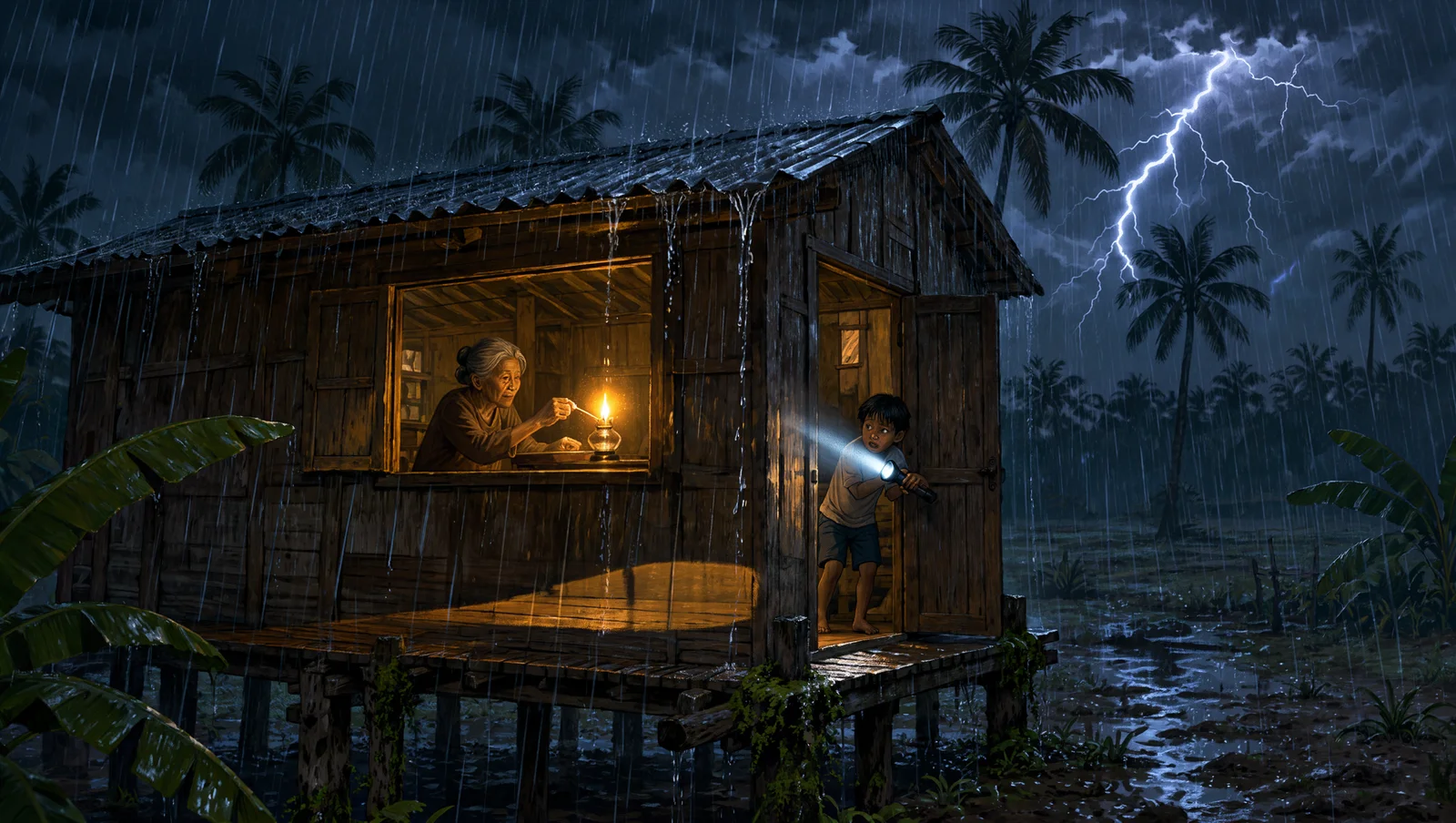
A short mystery audio drama, about 40 seconds.
Setting: a wooden house on stilts in the middle of rice fields at night, in a heavy rainstorm. Rain hammers on a tin roof, strong gusts of wind, distant thunder.
Music: a soft, sparse plucked string instrument now and then, quiet and eerie, dropping lower every time someone speaks.
Grandmother (a woman around seventy, slightly hoarse voice, slow speech, calm tone) says: "Child, when it rains like this, don't open the door."
A match strikes, then an oil lamp catches.
Grandson (a boy around ten, bright voice, fast speech, startled tone) says: "Grandma, someone's knocking outside."
Three slow knocks on a wooden door.
The grandmother pauses, then whispers: "That's not a person, dear."
A loud thunderclap very close, then everything goes quiet except the rain.
Sound effects: fewer, but specific
Pick about 4–6 key sounds that define the scene and let the model fill in the rest.
Place each sound where it happens: between lines or at a turning point.
Describe sounds vividly: "three slow knocks on a wooden door" works better than "a knock".
Add distance and movement: for example, a motorbike passes from left to right and fades into the distance.
Don't repeat the same sound: a varied sequence of sounds feels more natural.
Music: say more than "add music"
Specify the genre, instruments, tempo and mood, and how the music works with the voices, for example dropping under dialogue or swelling before a reveal. If you only want music or only effects, say clearly "no speech or vocals".
An instrumental cue for two people meeting again, about 30 seconds.
It starts with soft solo piano at a slow tempo, feeling hesitant. In the second half a warm cello joins and the mood slowly becomes warmer. It ends on a resolved chord that fades out naturally.
No speech, no singing and no sound effects.
Control timing with timestamps
Put a [start:end] range before a line or sound, and the model adjusts speed and pauses to fit that window. It's perfect for dubbing that has to match the picture: take the in and out points straight from your editing timeline.
Timestamps are a target, not a hard lock, so expect small drift.
Don't pack in more words than a person can comfortably say in that window.
Without timestamps, the model paces the audio naturally.
Example: a podcast intro
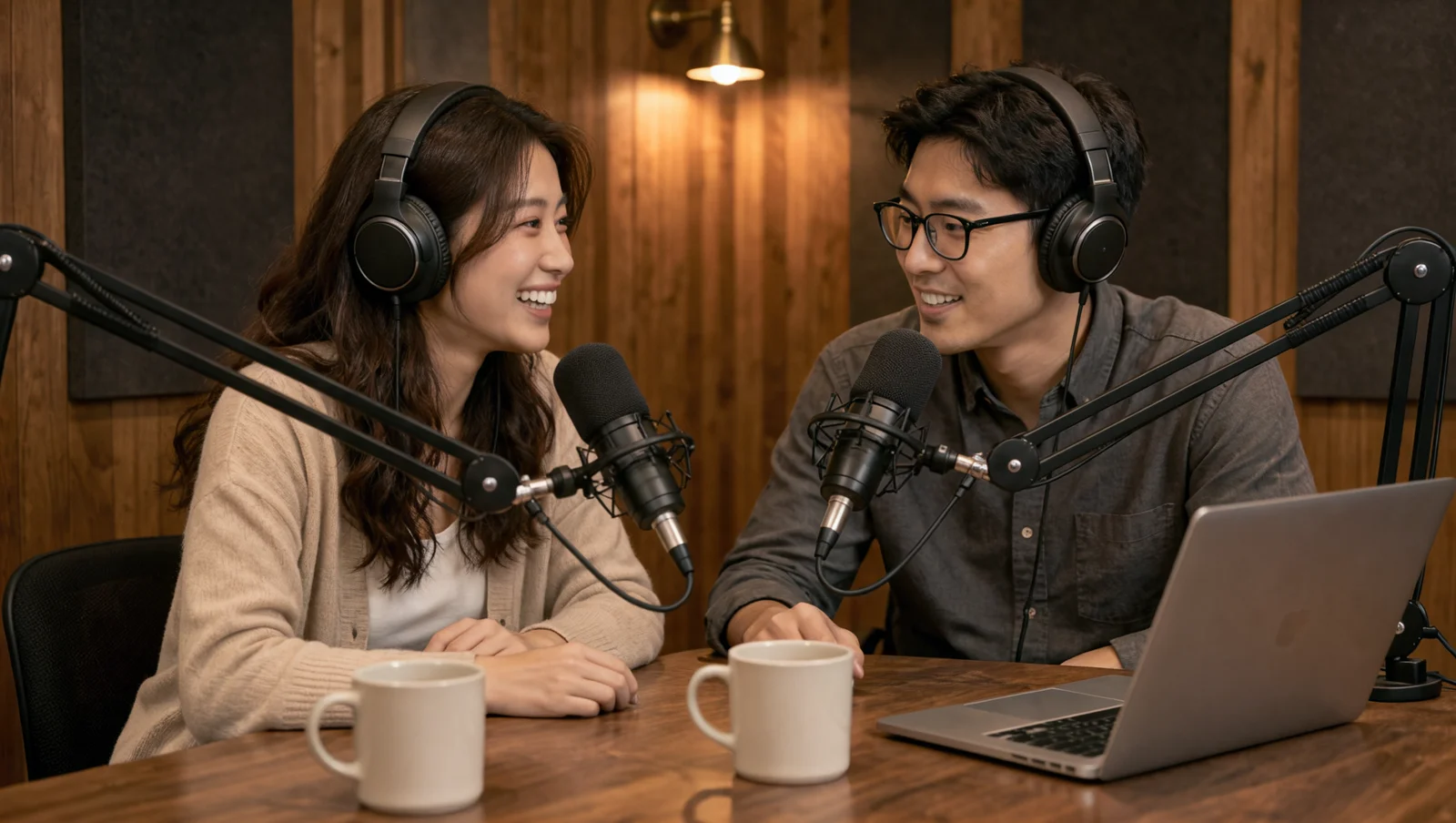
A tech podcast intro, relaxed and friendly, in a small, quiet studio.
[0.0s:4.0s] Lo-fi intro music, mid tempo, clean electric guitar and light drums, then it fades down.
Female host (late twenties, bright and upbeat voice, speaks a little fast, General American accent) says cheerfully: [4.2s:7.5s] "Hey everyone, welcome back to the show where we talk tech."
Male host (early thirties, deep and easygoing voice, General American accent) laughs softly and says: [7.8s:11.5s] "Today we're letting AI make the whole episode's audio."
[11.8s:14.0s] The music swells briefly and ends with one soft chime.
Using reference audio with @Audio
Add up to 3 voice samples, each up to 30 seconds. Refer to them in upload order as @Audio1, @Audio2, @Audio3, and bind each one to a character clearly.
The news anchor uses the voice from @Audio1, serious but friendly, and says: "The rain is now easing across most of the city."
The field reporter uses the voice from @Audio2 and speaks over a radio with light static: "At this junction the water is going down. Cars can get through slowly."
Use clean samples: one speaker, no music or echo, a steady level.
Keep voice identity separate from effects: "uses the voice from @Audio2" and "speaks over a radio" are two different things, so write them separately.
Don't switch a character's reference mid-story unless the story calls for it.
For long projects, split into scenes and reuse the same references in every scene so voices stay consistent.
Use only voices you have rights to: your own, or with the speaker's permission, and don't imitate real people.
Using a reference image
You can add one character image (not together with reference audio). The model picks a voice that fits the face, age and personality in the image. In this case, write only the words to be spoken, without a long scene description.
Common mistakes
Prompts that are too short and generic: anything you leave out, the model decides for you.
Naming sounds instead of describing them: "a door" instead of "a heavy metal gate slowly sliding shut".
Directions and lines in different languages: this throws off the accent.
Not saying which @Audio belongs to whom.
Cramming too many words into the time: the voice speeds up unnaturally.
Checklist before you generate
The format and atmosphere are stated.
Every character has a concrete voice description.
Lines are in quotation marks, with delivery notes outside them.
The directions are in the same language as the lines.
No more than 4–6 key effects, each placed where it happens.
If you don't want speech or music, you said so explicitly.
The total length is no more than about 2 minutes.
Ready? Open Fuzion, choose Seed Audio 1.0 and start from any example in this guide. Curious what the next version adds? Read what Seed Audio 1.5 is, or bring your voice to life on screen with the OmniHuman 2.0 guide.
Frequently asked questions
Which languages does Seed Audio 1.0 speak?
21 languages, including English, Thai, Chinese, Japanese and Korean. Write your directions in the same language as the lines for the most accurate accent.
How long can the audio be?
About 2 minutes per generation. For longer work, split it into scenes and reuse the same reference voices so characters sound consistent.
Can I use reference audio and a reference image together?
No, choose one: up to 3 reference audio files, or 1 reference image.
Can I generate only music or only sound effects?
Yes. Describe the music or sounds you want, and state that there is no speech or singing.
How precise are timestamps?
They are a target for the model's pacing and may drift slightly. A window that fits the number of words gives the closest result.