
What Is Seed Audio 1.5? Video Dubbing, Translation, Stem Separation and Timestamp Control
Meet Seed Audio 1.5, the audio model that generates speech, effects and music in one pass. It takes video as a reference, dubs and translates video into 30 languages, separates up to 6 stems and generates up to 6 minutes of audio.
 Fuzion
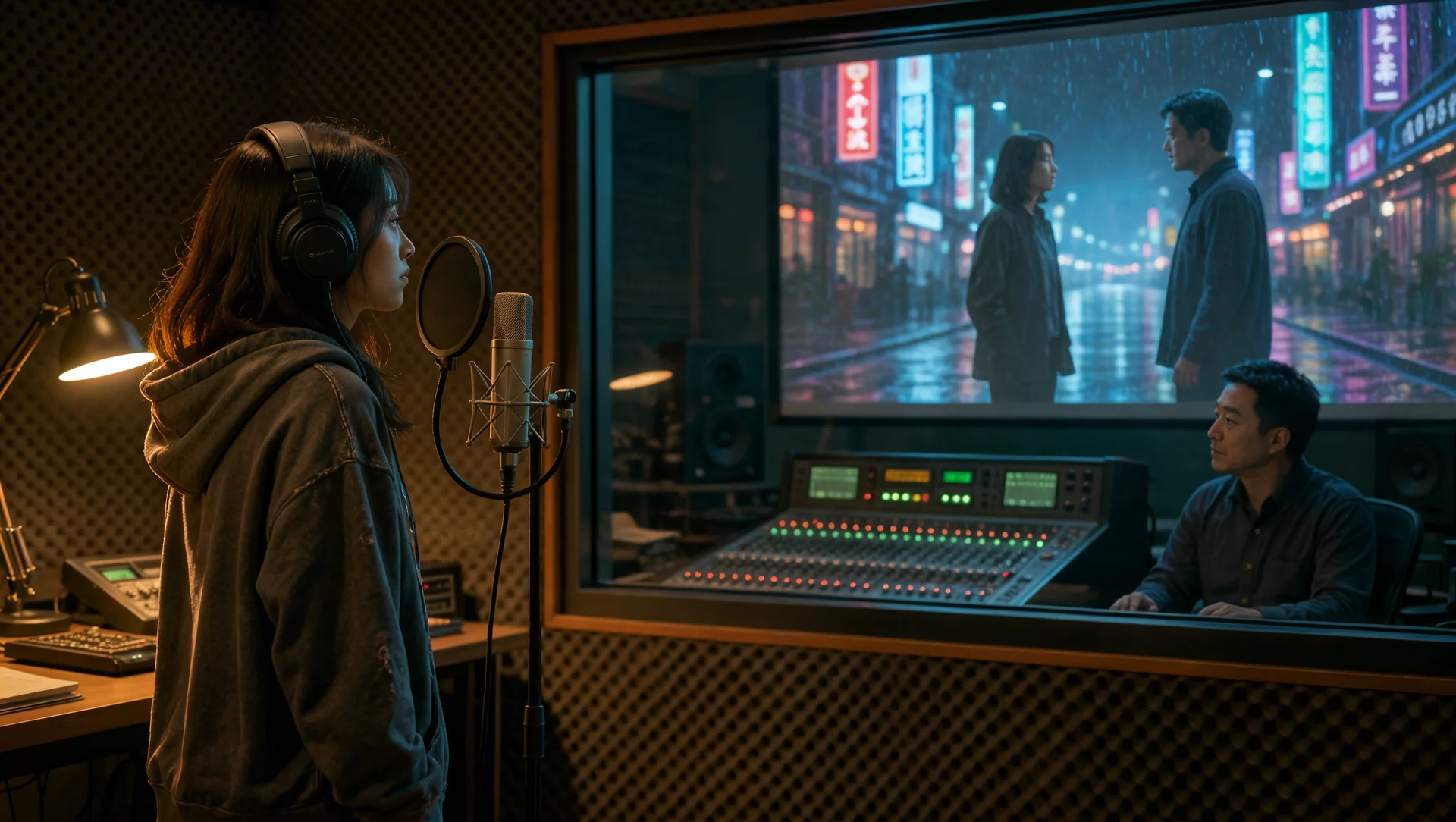
Seed Audio 1.5 is ByteDance's new audio model that generates speech, sound effects and music together in a single pass. The big change is that it now accepts video as a reference, so it can dub videos, translate them into other languages and split audio into separate stems. This article covers what 1.5 can do, how it differs from 1.0, and how to write instructions that control your audio down to the second.
Overview: five headline capabilities
Video dubbing: give it a video and it generates dialogue, sound effects and music that match the picture.
Video translation: translate the speech into another language while keeping the original sound effects and music.
Stem separation: split voices, effects and music into individual tracks.
Timestamp control: decide exactly when each line, effect and music cue happens.
Longer output, more references: up to 6 audio references and up to 6 minutes of audio in one request.
It supports speech in 33 languages, including English, Chinese, Japanese, Korean, Thai, Vietnamese, Indonesian and Malay.
How it differs from Seed Audio 1.0
Available in both versions:
Text-to-speech: pick a voice and type the text to read.
Voice cloning: upload one sample clip and use that voice to read text.
Text to audio: describe everything you want to hear, including voices, effects and music.
Text + reference audio: add a sample to reference a voice's character or emotion.
New in 1.5 only:
Text + video to audio: generate dialogue, effects and music that match the visuals of a video.
Text + video + reference audio: dub a video using the voice you choose.
Music generation: create music up to 6 minutes long from a description.
Video dubbing: a recording studio built in
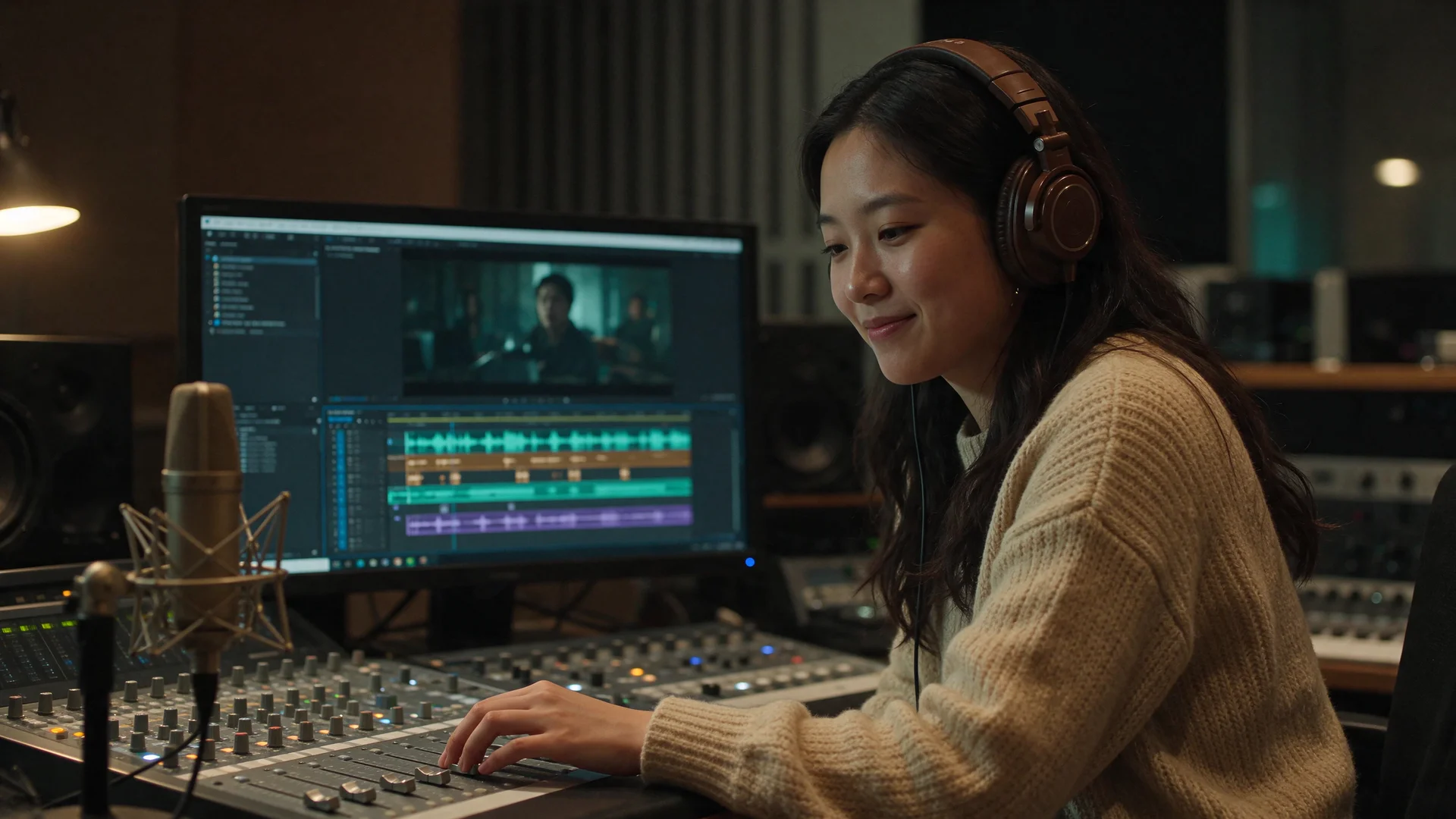
Seed Audio 1.5 works like the recording studio of a video production. Use it for professional dubbing, or to rescue clips with poor audio. You can provide just the video, or the video plus a reference voice to set the timbre.
One important point: the model doesn't dub automatically. You need to describe who says what, which effects to include and what kind of music to use. The more detail you give, the better the audio matches the picture.
Video translation
Translate the speech in a video into another language while keeping the original sound effects and music, and keeping the speaker's voice characteristics. It's ideal for creators who want multi-language versions from one original.

Source language: Chinese or English, into 30 target languages.
Targets include Thai, Japanese, Korean, German, French, Brazilian Portuguese, Indonesian, Vietnamese, Malay, Filipino, Italian, Russian, Arabic, Hindi and more.
That means an English video can be turned into a Thai or Japanese dub in one step, with the music and ambience left intact.
Stem separation
Feed it an audio file and Seed Audio separates voices, effects and music into independent tracks. The current version splits up to 6 tracks, for example a narrator, each character's voice, music, footsteps and a door closing. Each track can go straight into your editing and mixing workflow.
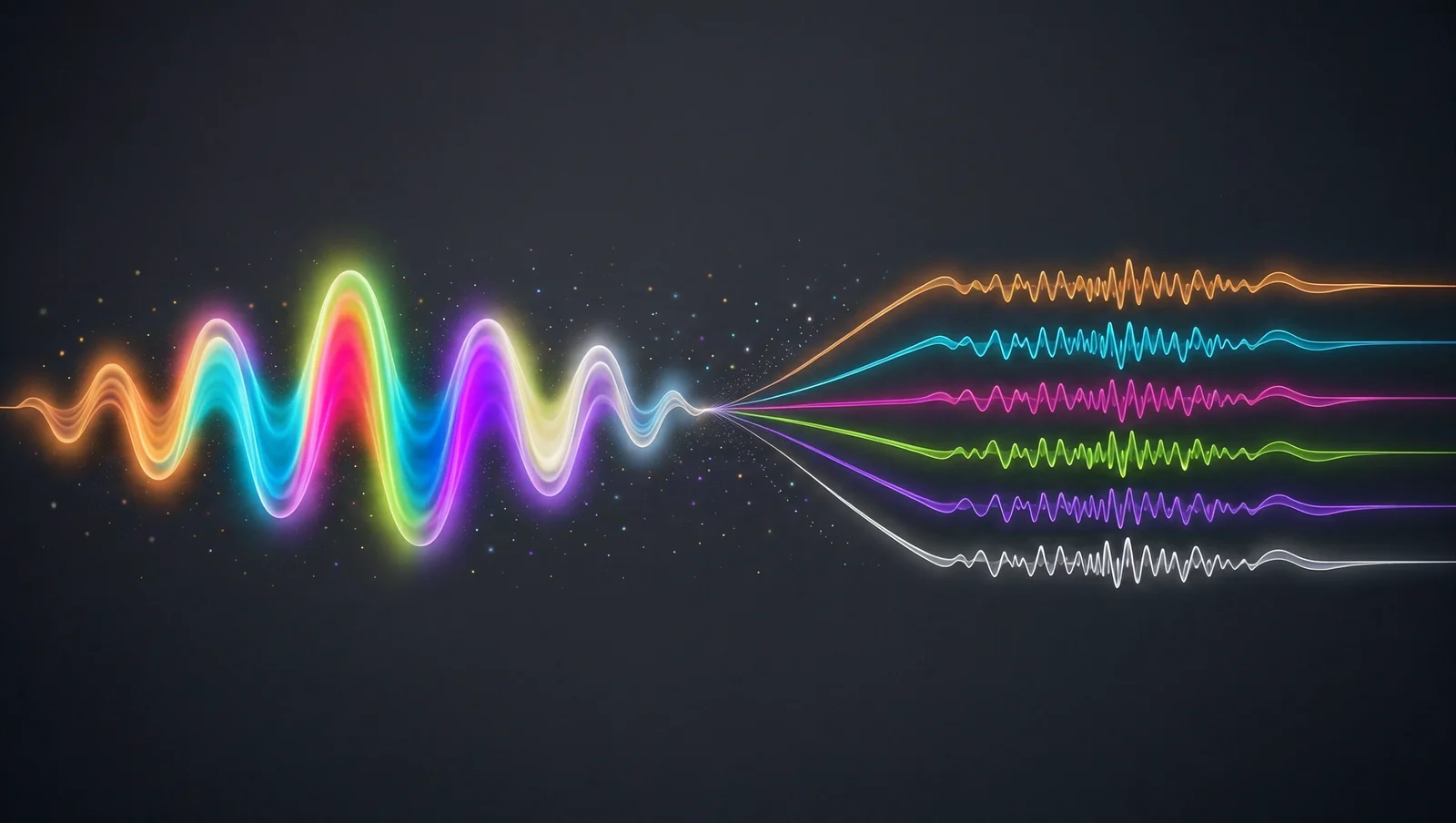
Practical wins: duck the music under dialogue, swap the soundtrack without touching the lines, or pull out clean dialogue for subtitles.
Control every sound with timestamps
Seed Audio 1.5 uses [start:end] timestamps to control music sections, effect timing and the length of each line. Describe each speaker's voice (age, timbre, accent, tone), then give their line inside its time window.
Example: a 20-second coffee ad.
[0.0s:20.0s] Soft, warm acoustic guitar music plays underneath the whole spot.
[0.0s:1.5s] The sound of coffee beans pouring into a grinder, then a short grinding burst.
Female 1 (woman in her late twenties, clear and gentle voice, neutral American accent, relaxed morning mood) speaks slowly and warmly: [1.8s:5.0s] "This morning, I'm taking it slow."
[5.2s:6.5s] Hot water is poured over a drip filter, a soft trickle.
Male 1 (man in his thirties, deep and friendly voice, neutral American accent, smiling tone) answers playfully: [6.8s:10.0s] "With a smell like that, who could rush?"
[10.5s:11.5s] A ceramic cup is set down on a wooden table.
Female 1 laughs softly and says: [12.0s:15.5s] "One good cup really does make the whole day better."
[15.5s:20.0s] The guitar swells gently and ends on a bright chord, with birdsong in the background.
Tips for timestamps:
Match the window to the number of words. Don't squeeze a long sentence into a short slot.
Leave gaps between lines so effects or breaths can fit in.
Control music in long sections, with clear turning points such as the music picking up for a key moment.
Describe each character fully the first time, then refer to them by the same label, such as Female 1.
Using Seed Audio on Fuzion
Fuzion currently offers Seed Audio 1.0, which generates speech, dialogue, effects and music up to 2 minutes per request, with up to 3 reference voices. Most of the prompt-writing principles carry over to 1.5. For a detailed walkthrough, read the Seed Audio 1.0 prompt guide.
Frequently asked questions
Can Seed Audio 1.5 dub in Thai?
Yes. Thai is one of the 33 supported languages, and it is also a target language for video translation from Chinese or English.
Will it dub a video automatically?
No. You describe the dialogue, effects and music you want, and the model generates audio that fits the picture according to your description.
How many stems can it separate?
Up to 6 tracks per file, for example individual voices, music and different types of effects.
How long can the audio be?
Version 1.5 generates up to 6 minutes per request with up to 6 reference audio files. Version 1.0 generates up to 2 minutes with 3 references.