
Videofrom$0.0096/ second 480p
Grok Video 1.5 (Omni) API
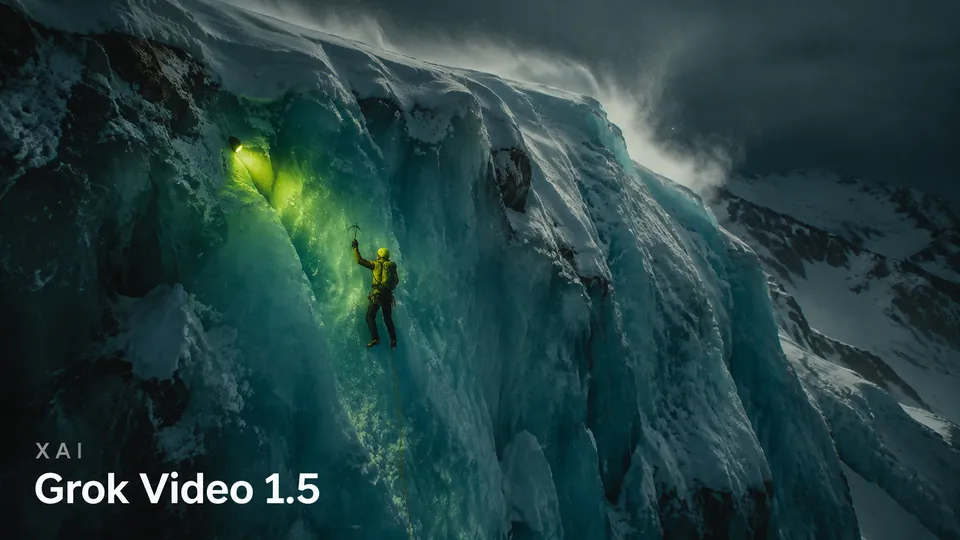
Grok Video 1.5 (Omni) on Fuzion. 480p–1080p video from 6 to 15 seconds from up to 5 reference images, or a first and last frame.

- Input → Output
- Starting price
- $0.0096/ second 480p
- Resolution
- 480p–1080p
- Duration
- 6–15s
Supported parameters
Values this model accepts through the API.
| Parameter | Accepted values |
|---|---|
| prompt | up to 5,000 characters |
| resolution | 480p, 720p, 1080p |
| aspect_ratio | 16:9, 9:16, 1:1 |
| duration | 6–15s |
| Reference images | up to 5 |
Pricing
From
$0.0096/ second 480p
| Resolution | 6s | 10s | 12s | 15s |
|---|---|---|---|---|
| 480p | $0.058 | $0.058 | $0.058 | $0.058 |
| 720p | $0.12 | $0.12 | $0.12 | $0.12 |
| 1080p | $0.17 | $0.17 | $0.17 | $0.17 |
Price per job, charged in Fuzion credits (1 credit = ฿1) and rounded up to a whole credit. USD is converted at the current top-up rate. Failed jobs are refunded automatically.
One Fuzion credit balance covers the web app, the API, and MCP. No separate top-up · 1 credit = ฿1
Use it through the API
Request a quote, generate with the quote_id it returns, then poll the job until it finishes.
curl -X POST https://fuzionhub.co/api/v1/quote \
  -H "Authorization: Bearer $FUZION_API_KEY" \
  -H "Content-Type: application/json" \
  -d '{
    "model": "fuzion/grok-imagine/image-to-video",
    "prompt": "A golden retriever running on a beach at sunset, cinematic",
    "resolution": "480p",
    "duration": 6,
    "aspect_ratio": "16:9"
  }'
curl -X POST https://fuzionhub.co/api/v1/generate \
-H "Authorization: Bearer $FUZION_API_KEY" \
-H "Content-Type: application/json" \
-d '{
"quote_id": "<quote_id>",
"model": "fuzion/grok-imagine/image-to-video",
"prompt": "A golden retriever running on a beach at sunset, cinematic",
"resolution": "480p",
"duration": 6,
"aspect_ratio": "16:9"
}'
curl https://fuzionhub.co/api/v1/jobs/<job_id> \
-H "Authorization: Bearer $FUZION_API_KEY"What is Grok Video 1.5 (Omni)?
Grok Video 1.5 (Omni) is the more controllable xAI video model on Fuzion. It makes 6, 10, 12 or 15 second clips at 480p, 720p or 1080p, guided by up to 5 reference images or by a first and last frame you choose. It suits creators who need to control a character, a product, or exactly where a shot ends.
Key features of Grok Video 1.5 (Omni) API
 01
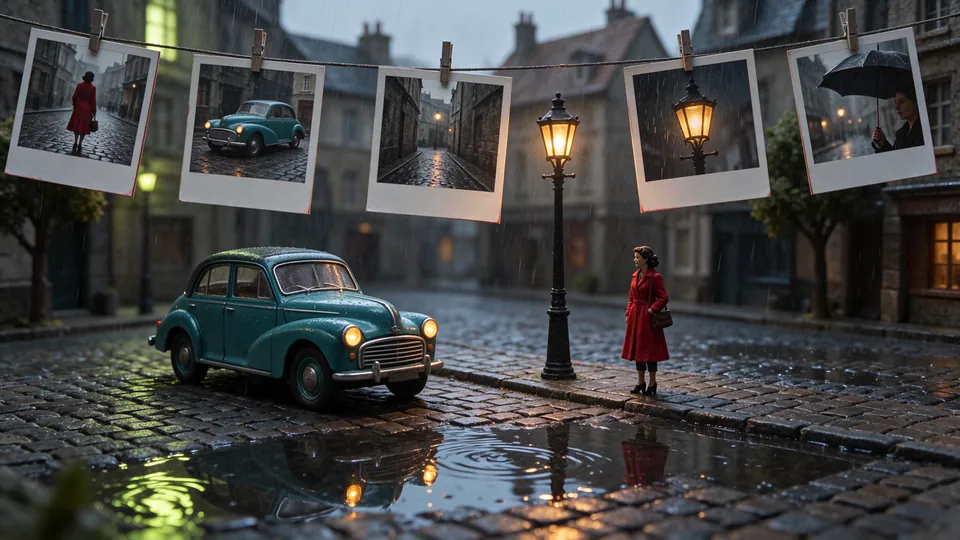
Up to 5 references
Add several images of a character, product or setting to show the model how the clip's elements should look.
 02
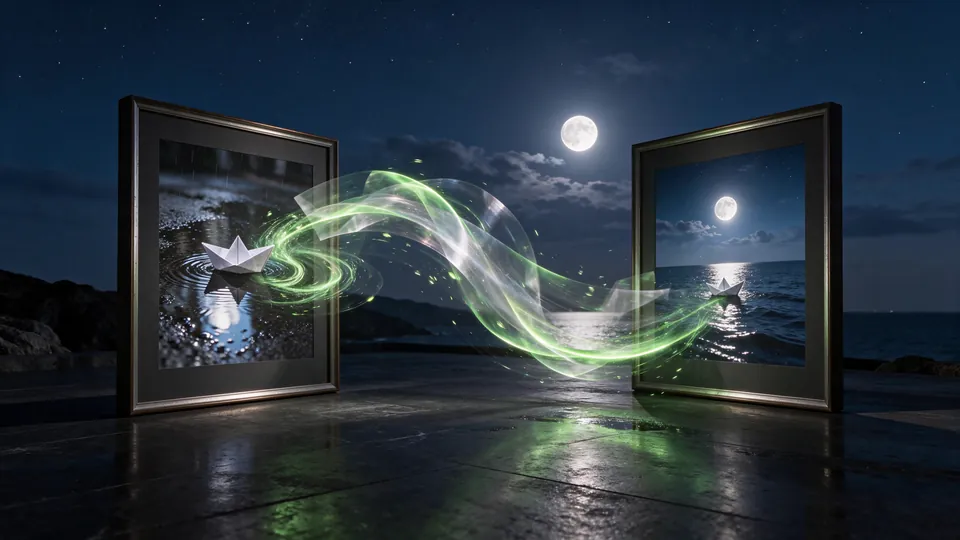
First and last frame
Set the opening and closing image yourself and let the model build the motion in between.
 03
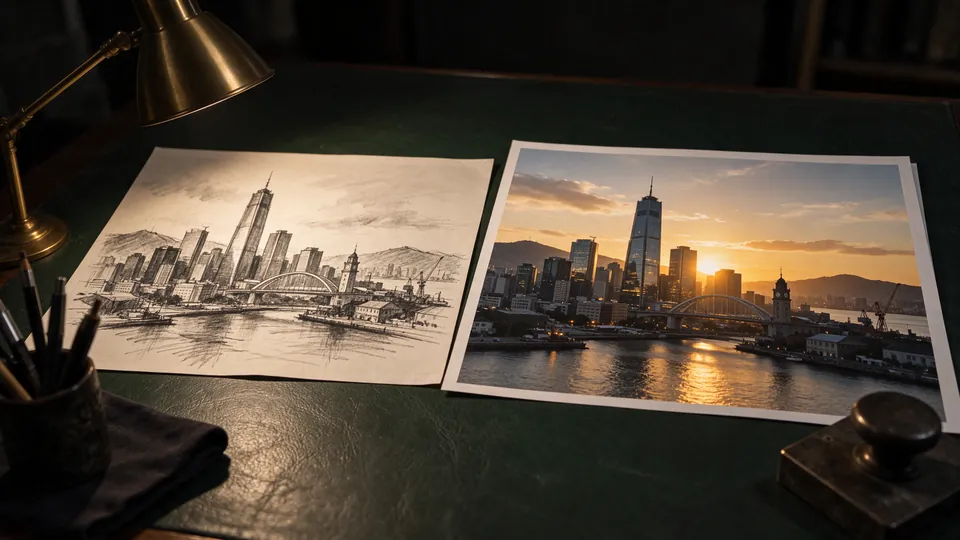
Up to 1080p
Choose 480p, 720p or 1080p. Draft low, then render the final in full HD.
 04
Four lengths
Pick 6, 10, 12 or 15 seconds. The 12-second option is not on the Frame version.
What you can build with Grok Video 1.5 (Omni)
Reveal ending on a packshot
Set the last frame to your product and logo so every version of the ad ends on the same image.
Two-image transitions
Give a before and after image, such as an empty room and a finished one, and let the model connect them.
Multi-image characters
Use several angles of a character as references so the clip stays closer to the design.
1080p vertical ads
Set 9:16 at 1080p for ads on TikTok, Reels or Shorts.
Square feed posts
Use 1:1 for short product clips or announcements in the feed.
Tips for better results with Grok Video 1.5 (Omni)
- Decide whether you need appearance control (reference images) or start and end control (first and last frame), and set up the job for that.
- With a first and last frame, keep camera angle and lighting similar in both images so the motion between them looks natural.
- Say in the prompt what each reference is, for example the character, the product or the background.
- Draft at 480p and 6 seconds, then render 1080p once the motion is right.
Get started with Grok Video 1.5 (Omni) API in 3 steps
- Step 1
Sign up and top up
Create a Fuzion account and add credits (1 credit = ฿1). One balance pays for every model: video, image, audio, and LLMs.
Top up credits - Step 2
Create an API key
Make a key on the API key page, name it per project, and send it in the Authorization: Bearer header.
Create API key - Step 3
Quote, then generate
Call /api/v1/quote with the model "fuzion/grok-imagine/image-to-video" to see the price first, send the quote_id to /api/v1/generate, then fetch the result from /api/v1/jobs. AI agents can run the same flow through MCP.
Read the API docs
Why use Grok Video 1.5 (Omni) on Fuzion
One key for every model
One key and balance for video, image, audio, and LLMs. Switch models by changing the model id.
See the price before you generate
Every job can be quoted first. 1 credit = ฿1, no monthly fee, and prices also show in USD.
Failed jobs are refunded
If a job fails on the provider side, the credits go back to your balance automatically.
Works with AI agents over MCP
Connect Fuzion MCP to Claude, Cursor, or another agent and ask for generations in plain language.
Grok Video 1.5 Omni vs Frame
Omni goes up to 1080p, takes 5 reference images or a first and last frame, and adds a 12-second length. Frame has a lower starting price and tops out at 720p with one first-frame image, but offers 3:2 and 2:3, which Omni does not. Use Omni for controlled or client-facing work and Frame for high-volume drafts.
Frequently asked questions
What is Grok Video 1.5 (Omni)?
Grok Video 1.5 (Omni) on Fuzion. 480p–1080p video from 6 to 15 seconds from up to 5 reference images, or a first and last frame.
How much does Grok Video 1.5 (Omni) cost?
From $0.0096 / second 480p. Jobs are charged in Fuzion credits (1 credit = ฿1), and one balance covers the web app, the API, and MCP.
What resolutions and lengths does Grok Video 1.5 (Omni) support?
Grok Video 1.5 (Omni) supports 480p–1080p resolution, 6–15s length, aspect ratios 16:9, 9:16, 1:1.
What inputs does Grok Video 1.5 (Omni) accept?
It accepts text, image, with prompts up to 5,000 characters.
How do I use Grok Video 1.5 (Omni) through the API?
Create an API key in your Fuzion account, then call /api/v1/quote and /api/v1/generate with the model id "fuzion/grok-imagine/image-to-video" (served on Fuzion). It also works through MCP with AI agents.
Am I charged if a job fails?
No. Jobs that fail on the provider side are refunded automatically.
Should I use reference images or a first and last frame?
Use reference images when you want to control how a character or product looks but let the model plan the shot. Use a first and last frame when you know exactly how the clip must start and end.
Does Grok Video 1.5 (Omni) generate sound?
No. Clips are silent, so add music or voice-over when you edit.