
Imagefrom$0.029/ image
Grok Image 2.0 API
xAI's Grok Image 2.0. Images from text or up to 5 reference images, in 8 aspect ratios.
- Input → Output
- Starting price
- $0.029/ image
Supported parameters
Values this model accepts through the API.
| Parameter | Accepted values |
|---|---|
| prompt | up to 5,000 characters |
| aspect_ratio | 16:9, 9:16, 1:1, 21:9, 4:3, 3:2, 3:4, 2:3 |
| Reference images | up to 5 |
Pricing
From
$0.029/ image
Price per job, charged in Fuzion credits (1 credit = ฿1) and rounded up to a whole credit. USD is converted at the current top-up rate. Failed jobs are refunded automatically.
One Fuzion credit balance covers the web app, the API, and MCP. No separate top-up · 1 credit = ฿1
Use it through the API
Request a quote, generate with the quote_id it returns, then poll the job until it finishes.
curl -X POST https://fuzionhub.co/api/v1/quote \
  -H "Authorization: Bearer $FUZION_API_KEY" \
  -H "Content-Type: application/json" \
  -d '{
    "model": "fuzion/grok-image-2.0",
    "prompt": "A golden retriever running on a beach at sunset, cinematic",
    "aspect_ratio": "16:9"
  }'
curl -X POST https://fuzionhub.co/api/v1/generate \
-H "Authorization: Bearer $FUZION_API_KEY" \
-H "Content-Type: application/json" \
-d '{
"quote_id": "<quote_id>",
"model": "fuzion/grok-image-2.0",
"prompt": "A golden retriever running on a beach at sunset, cinematic",
"aspect_ratio": "16:9"
}'
curl https://fuzionhub.co/api/v1/jobs/<job_id> \
-H "Authorization: Bearer $FUZION_API_KEY"What is Grok Image 2.0?
Grok Image 2.0 is xAI's image model on Fuzion. Start from a text prompt alone, or add up to 5 reference images to guide the subject and style. You get 8 aspect ratios, from wide 21:9 to vertical 9:16. It suits creators who want to test ideas quickly, make social images, or try a different look before committing to a final model.
Key features of Grok Image 2.0 API
 01
Text or image start
Write a prompt of up to 5,000 characters, or attach reference images to show the subject, style or layout you want.
 02
Up to 5 references
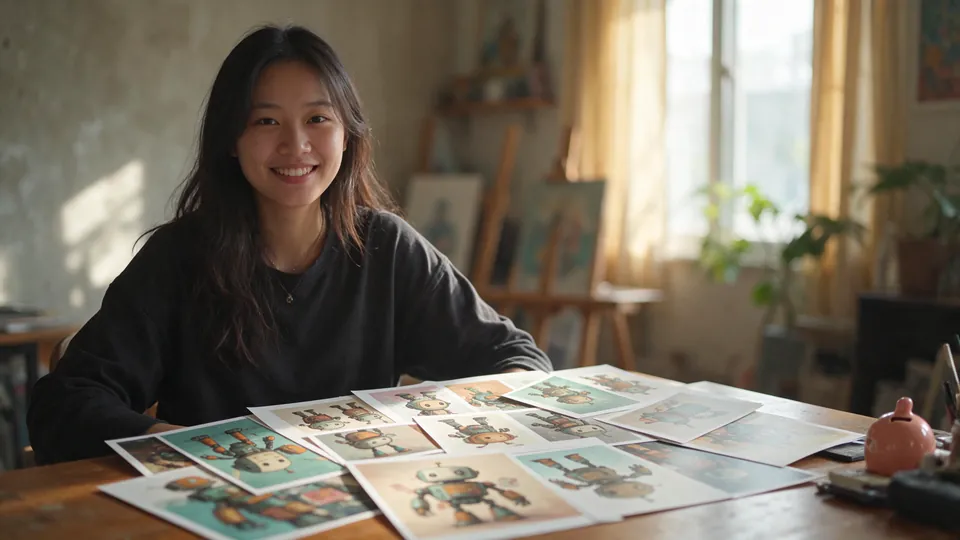
Combine several images in one request, for example a character, a location and a color palette.
 03
Eight aspect ratios
16:9, 9:16, 1:1, 21:9, 4:3, 3:2, 3:4 and 2:3 cover social posts, video covers and portrait formats.
 04
Low starting price
It starts at the same price as Nano Banana 2 Lite and Seedream 5.0 Flash, so running several variations is easy to justify.
What you can build with Grok Image 2.0
Social media posts
Use 9:16 for Stories and Reels, or 1:1 for feed posts.
Banners and covers
16:9 and 21:9 frames work for YouTube thumbnails, site headers and wide banners.
Concept drafts
Explore several directions for a scene or character, then carry the winning prompt forward.
Restyling from references
Use a reference image for color and mood, and let the model draw a new subject in that look.
Portrait-format art
2:3 and 3:4 fit posters, book covers and wall art.
Tips for better results with Grok Image 2.0
- Describe the subject first, then the setting, light and camera angle.
- With several references, say what each one is for, for example image 1 is the character and image 2 is the palette.
- Pick the aspect ratio before you write the composition: a 21:9 frame needs a wide scene, a 9:16 frame needs a centered subject.
- Generate a few variations and keep the best one; if you need a larger file, enlarge it with Topaz Image Upscale.
Get started with Grok Image 2.0 API in 3 steps
- Step 1
Sign up and top up
Create a Fuzion account and add credits (1 credit = ฿1). One balance pays for every model: video, image, audio, and LLMs.
Top up credits - Step 2
Create an API key
Make a key on the API key page, name it per project, and send it in the Authorization: Bearer header.
Create API key - Step 3
Quote, then generate
Call /api/v1/quote with the model "fuzion/grok-image-2.0" to see the price first, send the quote_id to /api/v1/generate, then fetch the result from /api/v1/jobs. AI agents can run the same flow through MCP.
Read the API docs
Why use Grok Image 2.0 on Fuzion
One key for every model
One key and balance for video, image, audio, and LLMs. Switch models by changing the model id.
See the price before you generate
Every job can be quoted first. 1 credit = ฿1, no monthly fee, and prices also show in USD.
Failed jobs are refunded
If a job fails on the provider side, the credits go back to your balance automatically.
Works with AI agents over MCP
Connect Fuzion MCP to Claude, Cursor, or another agent and ask for generations in plain language.
Grok Image 2.0 vs Nano Banana 2 Lite vs Seedream 5.0 Flash
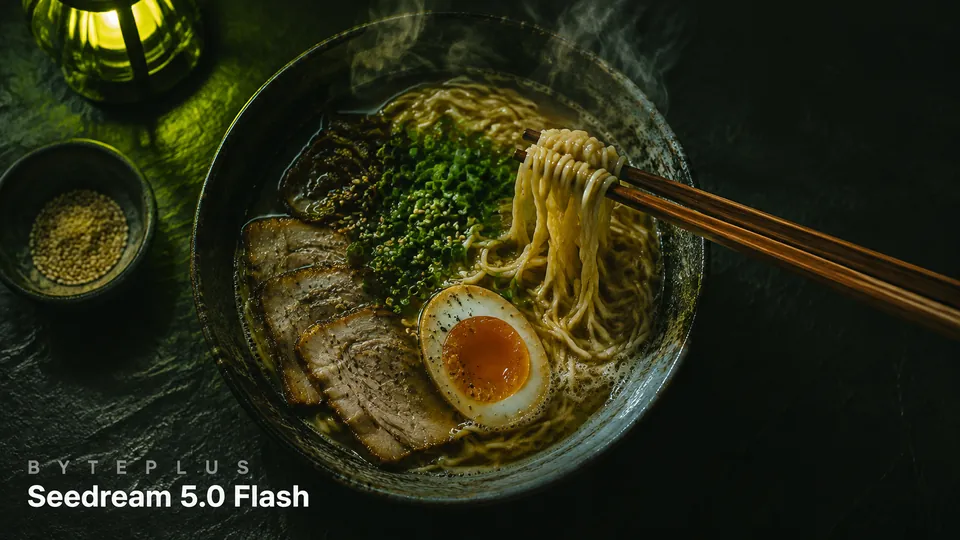
All three share the same starting price. Grok Image 2.0 takes 5 references and offers 8 aspect ratios. Nano Banana 2 Lite takes up to 14 references and adds 4:5 and 5:4, but outputs 1K only. Seedream 5.0 Flash offers 1K or 2K, 10 references and an adaptive ratio. Pick Grok for a different look from simple prompts; pick the other two when you need many reference images.
Frequently asked questions
What is Grok Image 2.0?
xAI's Grok Image 2.0. Images from text or up to 5 reference images, in 8 aspect ratios.
How much does Grok Image 2.0 cost?
From $0.029 / image. Jobs are charged in Fuzion credits (1 credit = ฿1), and one balance covers the web app, the API, and MCP.
What resolutions and lengths does Grok Image 2.0 support?
Grok Image 2.0 supports aspect ratios 16:9, 9:16, 1:1, 21:9, 4:3, 3:2.
What inputs does Grok Image 2.0 accept?
It accepts text, image, with prompts up to 5,000 characters.
How do I use Grok Image 2.0 through the API?
Create an API key in your Fuzion account, then call /api/v1/quote and /api/v1/generate with the model id "fuzion/grok-image-2.0" (served on Fuzion). It also works through MCP with AI agents.
Am I charged if a job fails?
No. Jobs that fail on the provider side are refunded automatically.
Which aspect ratio should I use for TikTok or Reels?
Use 9:16 for vertical video covers and Stories. For feed posts, use 1:1 or 3:4.
Can Grok Image 2.0 make videos?
No, it creates still images only. For video from xAI, see Grok Video 1.5 (Omni) or Grok Video 1.5 (Frame); you can use a Grok Image 2.0 result as the starting frame.
How do I keep a series of images in the same style?
Reuse the same reference images and the same style, lighting and color words in every prompt. Change only the part that describes each image's content.