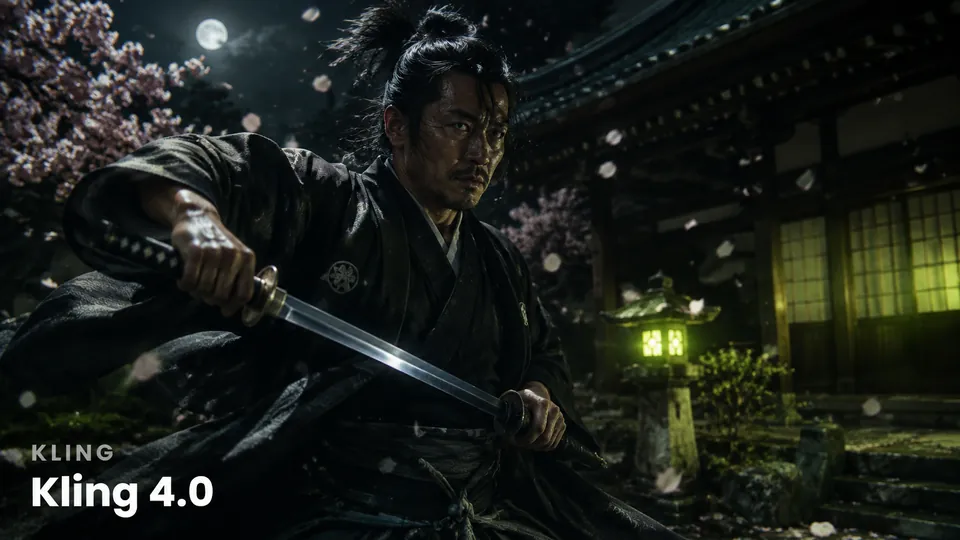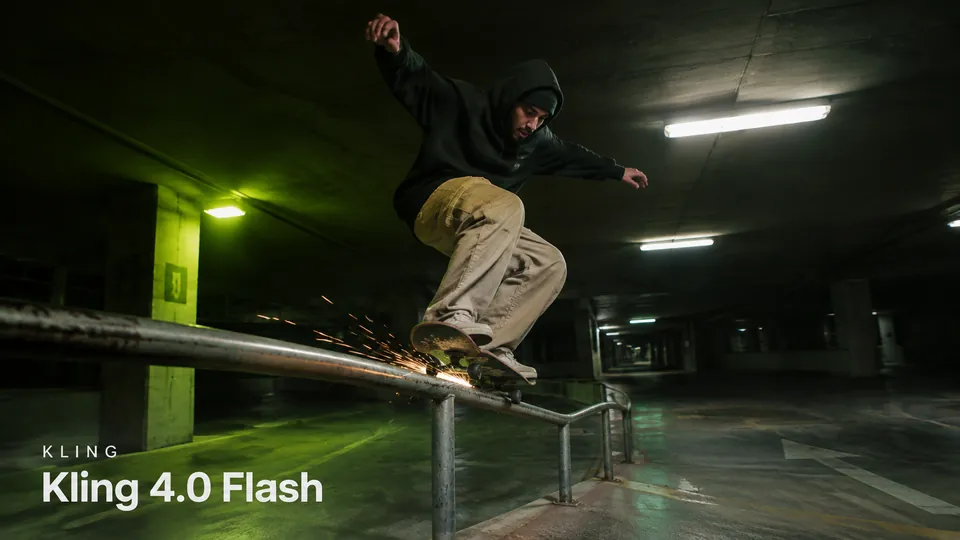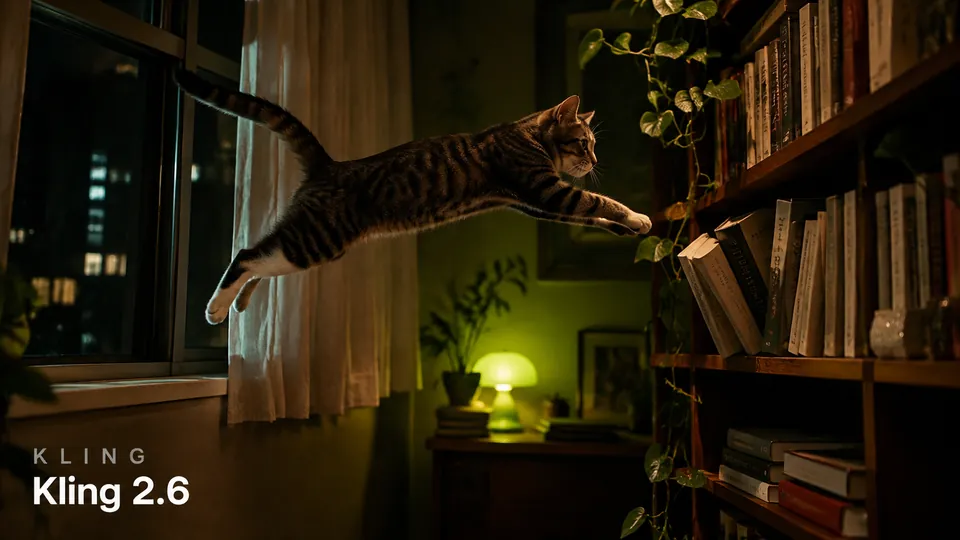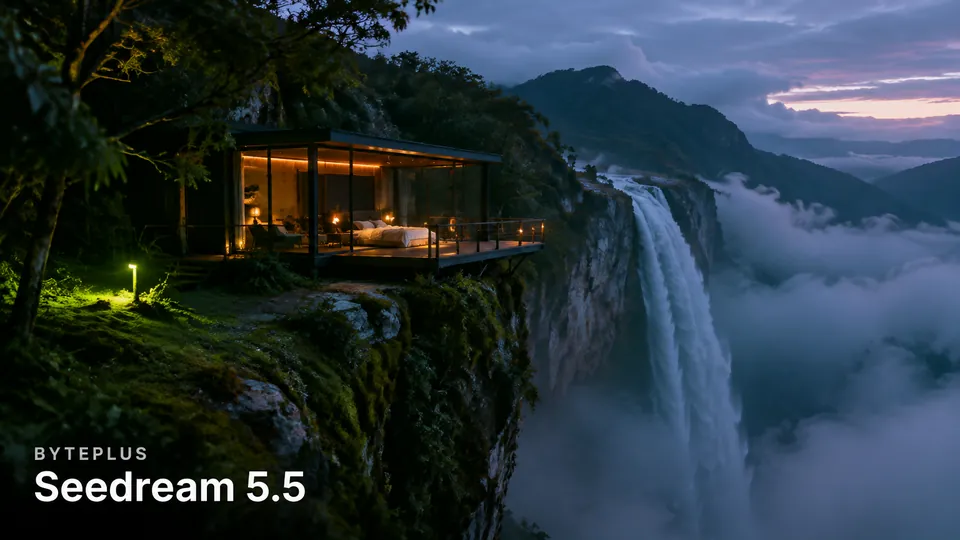

Imagefrom$0.087/ image 2K
Kling Image 4.0 API
Kling Image 4.0. 2K, 4K and native 8K stills with sharp in-image text, guided by up to 40 reference images.
- Input → Output
- Starting price
- $0.087/ image 2K
- Image size
- 2K–8K
Supported parameters
Values this model accepts through the API.
| Parameter | Accepted values |
|---|---|
| prompt | up to 10,000 characters |
| resolution | 2K, 4K, 8K |
| aspect_ratio | 16:9, 9:16, 1:1, 21:9, 4:3, 3:2, 3:4, 2:3, adaptive |
| Reference images | up to 40 |
Pricing
From
$0.087/ image 2K
| Resolution | Starting price |
|---|---|
| 2K | $0.087 |
| 4K | $0.12 |
| 8K | $0.20 |
Price per job, charged in Fuzion credits (1 credit = ฿1) and rounded up to a whole credit. USD is converted at the current top-up rate. Failed jobs are refunded automatically.
One Fuzion credit balance covers the web app, the API, and MCP. No separate top-up · 1 credit = ฿1
Use it through the API
Request a quote, generate with the quote_id it returns, then poll the job until it finishes.
curl -X POST https://fuzionhub.co/api/v1/quote \
  -H "Authorization: Bearer $FUZION_API_KEY" \
  -H "Content-Type: application/json" \
  -d '{
    "model": "fuzion3/kling-image-4.0",
    "prompt": "A golden retriever running on a beach at sunset, cinematic",
    "resolution": "2k",
    "aspect_ratio": "16:9"
  }'
curl -X POST https://fuzionhub.co/api/v1/generate \
-H "Authorization: Bearer $FUZION_API_KEY" \
-H "Content-Type: application/json" \
-d '{
"quote_id": "<quote_id>",
"model": "fuzion3/kling-image-4.0",
"prompt": "A golden retriever running on a beach at sunset, cinematic",
"resolution": "2k",
"aspect_ratio": "16:9"
}'
curl https://fuzionhub.co/api/v1/jobs/<job_id> \
-H "Authorization: Bearer $FUZION_API_KEY"What is Kling Image 4.0?
Kling Image 4.0 is Kling's still-image model, with 2K, 4K and native 8K output. It is known for sharp text inside the image, and it can be guided by multiple reference images. Use it for posters, key visuals and work that will be printed or shown on large screens, where you need more detail than a typical social image.
Key features of Kling Image 4.0 API
 01
Native 8K output
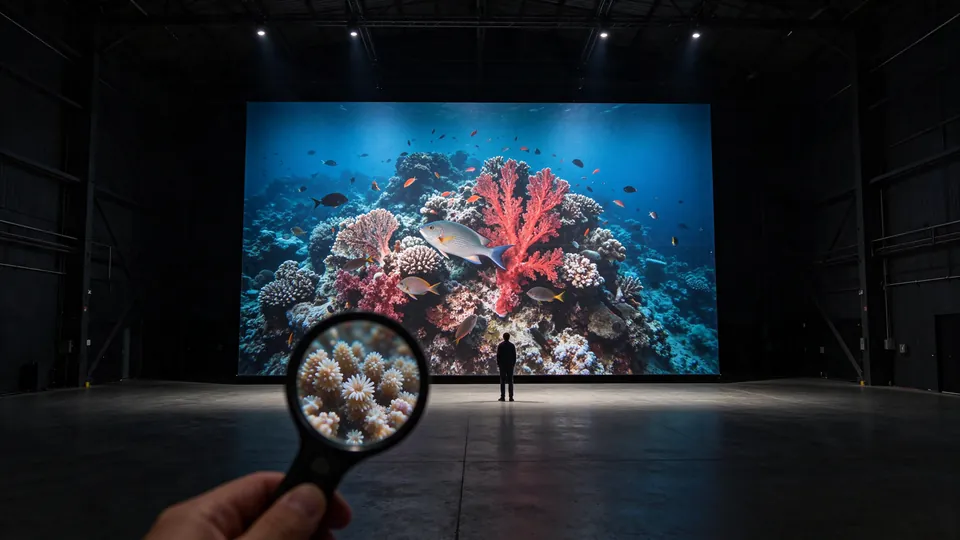
Choose 2K, 4K or 8K. 8K gives enough pixels for large prints or for cropping small areas out of the frame.
 02
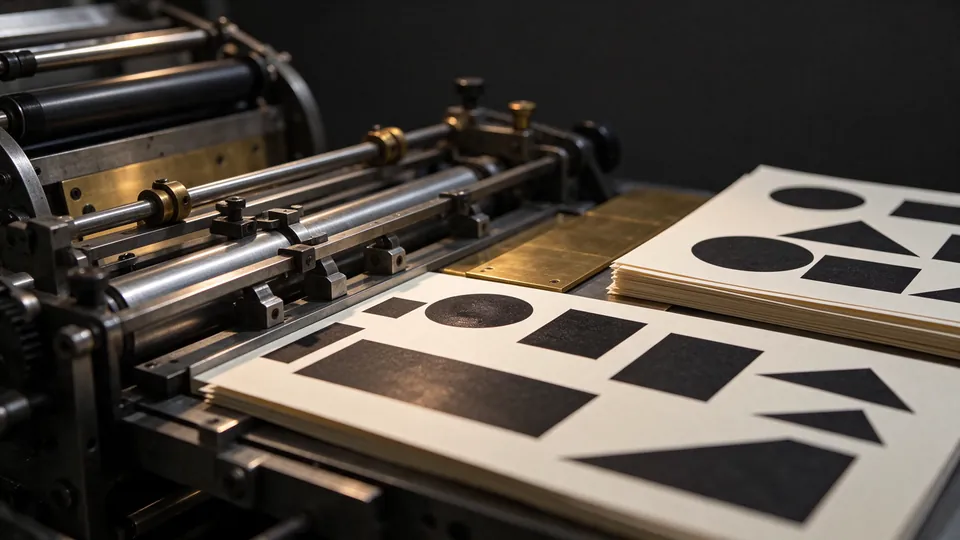
Sharp in-image text
A good fit for images that need a headline, brand name or short line of copy inside the picture.
 03
Multi-reference guidance
Add product, character or color references so the result stays closer to your brand.
 04
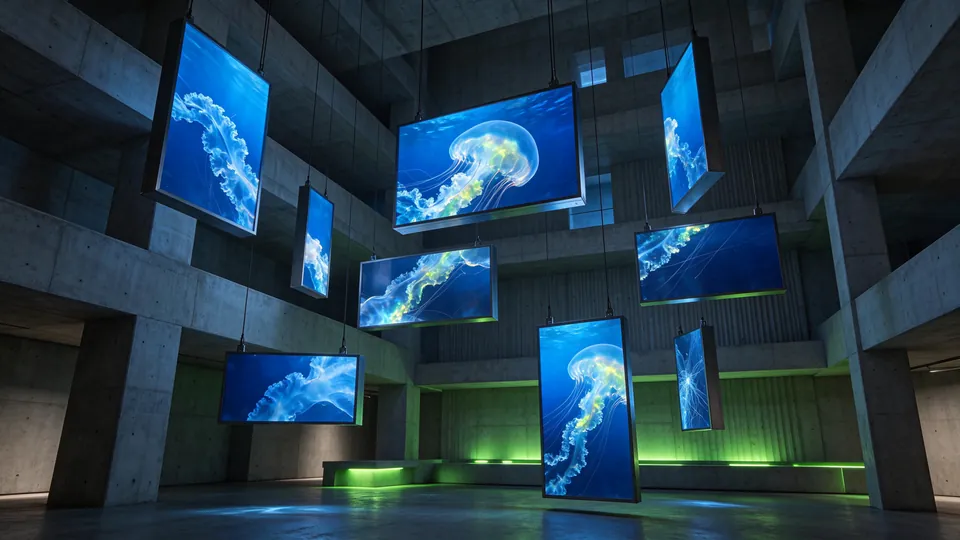
Adaptive plus 8 ratios
16:9, 9:16, 1:1, 21:9, 4:3, 3:2, 3:4, 2:3, or adaptive to let the model set the frame.
What you can build with Kling Image 4.0
Posters with headlines
Make event or promo posters with short copy rendered directly in the image.
Large-format prints
Use 8K for signage, billboards or wall art that people view up close.
Product key visuals
Add your real product as a reference and build a new ad scene around it.
Wide banners
21:9 or 16:9 for site headers, campaign pages and LED screens.
Social graphics with copy
1:1 or 9:16 images that carry a tagline or campaign name.
Tips for better results with Kling Image 4.0
- Put the exact text you want in quotation marks and keep it short; shorter text reads more cleanly.
- Say where the text goes, for example a large headline at the top or the brand name bottom right.
- Test the composition at 2K, then render the final at 4K or 8K once the layout works.
- With several references, give each one a role: which is the product and which sets the style.
- Use adaptive when you want the output to follow a reference image's shape; pick a fixed ratio when the format is set.
Get started with Kling Image 4.0 API in 3 steps
- Step 1
Sign up and top up
Create a Fuzion account and add credits (1 credit = ฿1). One balance pays for every model: video, image, audio, and LLMs.
Top up credits - Step 2
Create an API key
Make a key on the API key page, name it per project, and send it in the Authorization: Bearer header.
Create API key - Step 3
Quote, then generate
Call /api/v1/quote with the model "fuzion3/kling-image-4.0" to see the price first, send the quote_id to /api/v1/generate, then fetch the result from /api/v1/jobs. AI agents can run the same flow through MCP.
Read the API docs
Why use Kling Image 4.0 on Fuzion
One key for every model
One key and balance for video, image, audio, and LLMs. Switch models by changing the model id.
See the price before you generate
Every job can be quoted first. 1 credit = ฿1, no monthly fee, and prices also show in USD.
Failed jobs are refunded
If a job fails on the provider side, the credits go back to your balance automatically.
Works with AI agents over MCP
Connect Fuzion MCP to Claude, Cursor, or another agent and ask for generations in plain language.
Kling Image 4.0 vs Kling Image 4.0 Long Image
Kling Image 4.0 makes standard stills with a choice of aspect ratios and up to 8K. Long Image makes one tall image, an e-commerce detail page or a webpage design, at 1K or 2K, and costs more per image. Use Kling Image 4.0 for posters and banners; use Long Image when you need a full scrolling page.
Frequently asked questions
What is Kling Image 4.0?
Kling Image 4.0. 2K, 4K and native 8K stills with sharp in-image text, guided by up to 40 reference images.
How much does Kling Image 4.0 cost?
From $0.087 / image 2K. Jobs are charged in Fuzion credits (1 credit = ฿1), and one balance covers the web app, the API, and MCP.
What resolutions and lengths does Kling Image 4.0 support?
Kling Image 4.0 supports 2K–8K resolution, aspect ratios 16:9, 9:16, 1:1, 21:9, 4:3, 3:2.
What inputs does Kling Image 4.0 accept?
It accepts text, image, with prompts up to 10,000 characters.
How do I use Kling Image 4.0 through the API?
Create an API key in your Fuzion account, then call /api/v1/quote and /api/v1/generate with the model id "fuzion3/kling-image-4.0" (served on Srv.3). It also works through MCP with AI agents.
Am I charged if a job fails?
No. Jobs that fail on the provider side are refunded automatically.
Is Kling Image 4.0 good for images with text?
Yes, sharp in-image text is one of its strengths. Keep the copy short and always check the spelling before you publish.
When do I need 8K?
For large prints, big screens, or when you plan to crop part of the image. For social posts and web pages, 2K is usually enough and costs less.
How is adaptive different from picking a ratio?
Adaptive lets the model set the frame shape instead of locking it. It helps when you want the result to follow your reference image; pick a fixed ratio such as 9:16 when the format must be exact.